SSSSSS Intelligence
& Solutions Co., Ltd.
Illustrated gatehouse with vehicle lanes and a pedestrian walkwayIllustration

SSSpro Security Systems

From residential gates
to factory entrances

CCTV and access control for residential communities, factories and warehouses in Rayong and surrounding areas.

Homes and residential communities

Start at the front door to see who has arrived, then explore how a shared gatehouse handles residents and visitors.

Entrance cameras

What should the image show?

A wide view shows movement. A face view depends on the distance to where people pause. Test the view at the actual entry point.

After dark

Headlights and backlighting affect detail. Share an evening site photo. If plates must be legible, identify the vehicle lane and stopping point.
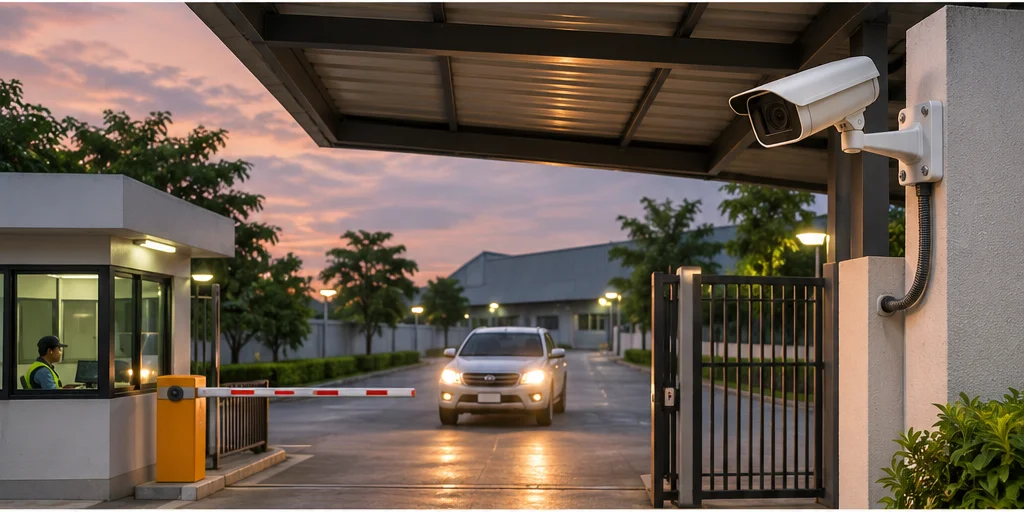
A camera under the eaves at a vehicle entrance at dusk
Illustration · A camera under the eaves at a vehicle entrance at dusk

Residential gate access control

Start with the gatehouse layout. Mark the pedestrian route, resident stopping point and visitor waiting area, then choose credentials that work with the existing gate or barrier.

Resident lane, visitor waiting bay beside the guardhouse, and a separate pedestrian walkway
Illustration · Resident lane, visitor waiting bay beside the guardhouse, and a separate pedestrian walkway
Cards and vehicle tags
Presenting a resident card at the gate reader
Illustration · Presenting a resident card at the gate reader
Residents tap a card or use a vehicle tag with a compatible reader. Management can revoke a lost card or a departing resident’s credential.
Bluetooth mobile access
Using a mobile credential from a car stopped at the barrier
Illustration · Using a mobile credential from a car stopped at the barrier
A resident with a mobile credential can open the gate through an app near a compatible reader. Test the range from the stopping point and provide a card or guard call point for a flat phone battery.
Gate intercom
A visitor pressing the intercom call button at the guardhouse
Illustration · A visitor pressing the intercom call button at the guardhouse
Visitors call the guard or resident. The recipient speaks with the visitor, or checks a video feed, before releasing the gate. Provide a waiting spot clear of the resident lane for unanswered calls.
Number plates and visitor QR codes
A resident’s car passing the number plate camera at the entrance
Illustration · A resident’s car passing the number plate camera at the entrance
Regular vehicles can use registered plates. Contractors and deliveries can use time-limited QR passes. A guard can review unreadable plates or expired passes before authorising entry.

Check the handover with the guard

Try an active card and a revoked one, use a phone from the intended lane, and place an intercom call. Ask the guard to match a gate-opening event to the same vehicle in recorded footage.

Factories and warehouses

Illustrated personal protective equipment (PPE) checkpoint before production entry. Each site selects the equipment to check based on the hazards in that area.

  1. A worker verifies their face at the staff entrance before starting a shift.

    Verify identity

    A worker verifies their face at the staff entrance before starting a shift.

  2. Before production entry, the AI camera checks the full-body image for a safety helmet, safety glasses and safety footwear.

    Check three PPE items

    Before production entry, the AI camera checks the full-body image for a safety helmet, safety glasses and safety footwear.

  3. In this example, the camera cannot see safety glasses on the worker on the right. The operator reviews the image and contacts the checkpoint.

    Review the eyewear alert

    In this example, the camera cannot see safety glasses on the worker on the right. The operator reviews the image and contacts the checkpoint.

Factory and warehouse CCTV

Loading bays

For dispatch checks, start at the handover point. Test the view with the bay door open to see whether daylight obscures packages inside.

Storage aisles

Mark where an overview is enough and where labels must be readable. Include rack height and likely obstructions in the survey brief.
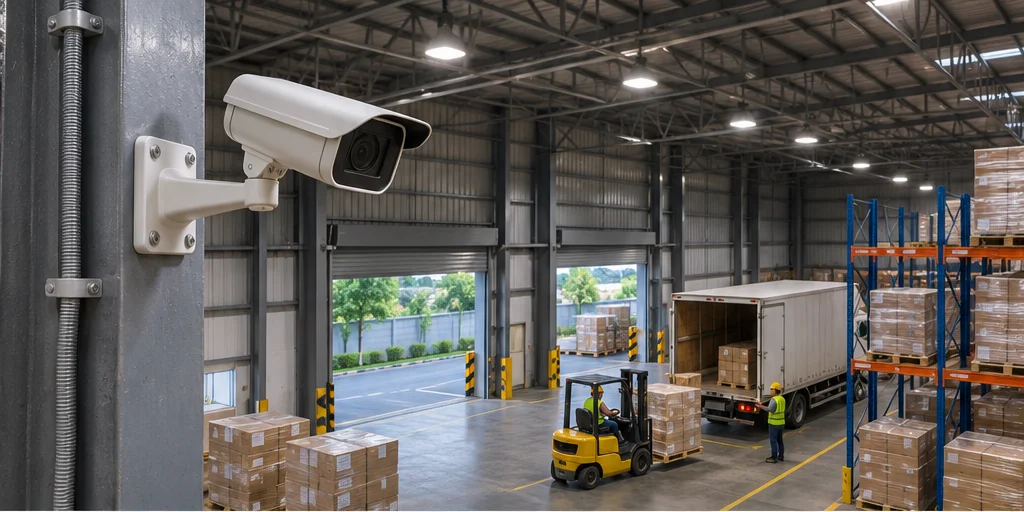
A column-mounted camera overlooking a loading bay
Illustration · A column-mounted camera overlooking a loading bay

Recording & playback

How much history do you need?

Work backwards from an incident, such as checking last week’s delivery. Count the channels and recording hours. Resolution and bitrate affect storage needs.

Expanding an existing recorder

Share the recorder model, occupied channels and camera models for a compatibility check. For mobile access, specify who needs live viewing, playback or clip export.
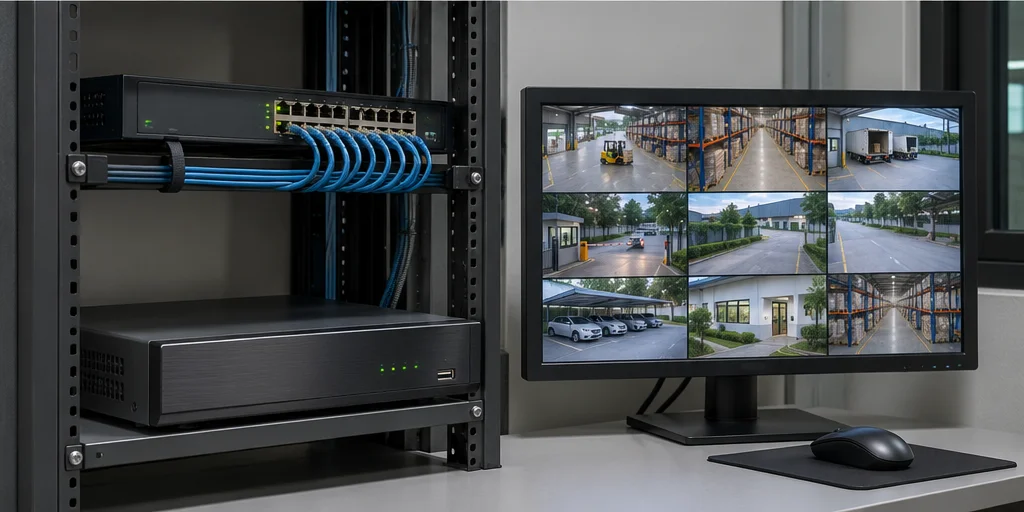
A recorder and monitor for reviewing multiple camera feeds
Illustration · A recorder and monitor for reviewing multiple camera feeds

Installation acceptance checks

  1. Agree on the required view

    Mark the required detail on a plan, such as a package crossing the handover point or a face at the doorbell. Compare the installed view with that plan.

  2. Review a recorded event

    Walk through the agreed spot in daylight and low light. Play back the recording and check that the detail and timestamp let you identify the event.

  3. Hand over to the operator

    Have the operator find and export a clip with their own account. Match camera names to the plan and document the agreed retention period.